

Every day, your teams rely on fast answers, seamless workflows, and clear communication to deliver the best care possible. At Quest Diagnostics, we believe that reliability shouldn’t end with test results—it should define your entire experience of working with us.
We know that delays, communication gaps, and lack of transparency can slow progress, affect revenue, and frustrate providers. That’s why we’ve built every part of our customer service model around trust, accountability, and continuous improvement, so Bayview can stay focused on care, not coordination.
Our service model is built to fit naturally into Bayview’s daily flow—every task, every touchpoint, every patient.
Our digital platform helps streamline operations, prevent errors and disruptions, and save staff time...all with one login on any device.
Order a wide variety of supplies to be used for tests performed by Quest Diagnostics or with Quest Diagnostics equipment.
Will call:
During account setup, your organization may have worked with Quest to decide that you will call when you need a specimen pickup. Check with your Quest representative to confirm.
Regularly scheduled:
During account setup, your organization may have worked with Quest to schedule a regular time for specimen pickup. Check with your Quest representative to confirm.
Will call:
Regularly scheduled:
Whether specimens are collected in-office or at one of our 2,400+ Patient Service Centers, we make collection and transport simple and compliant. We provide clear, easy-to-understand reference materials to help ensure accuracy and efficiency.
Throughout our state-of-the-art labs, we receive 750,000 specimens every night, and the testing process for each begins in our intake department for quality assurance. Our labs have many different departments that are responsible for facilitating and performing the testing.
Working with Quest, Bayview physicians can expect comprehensive training and materials to help improve specimen collection, collaboration, and adherence to protocols. Our goal is to create a smoother experience for your physicians and patients by reducing TNP, TIP, and QNS errors that drain time, resources, and satisfaction.
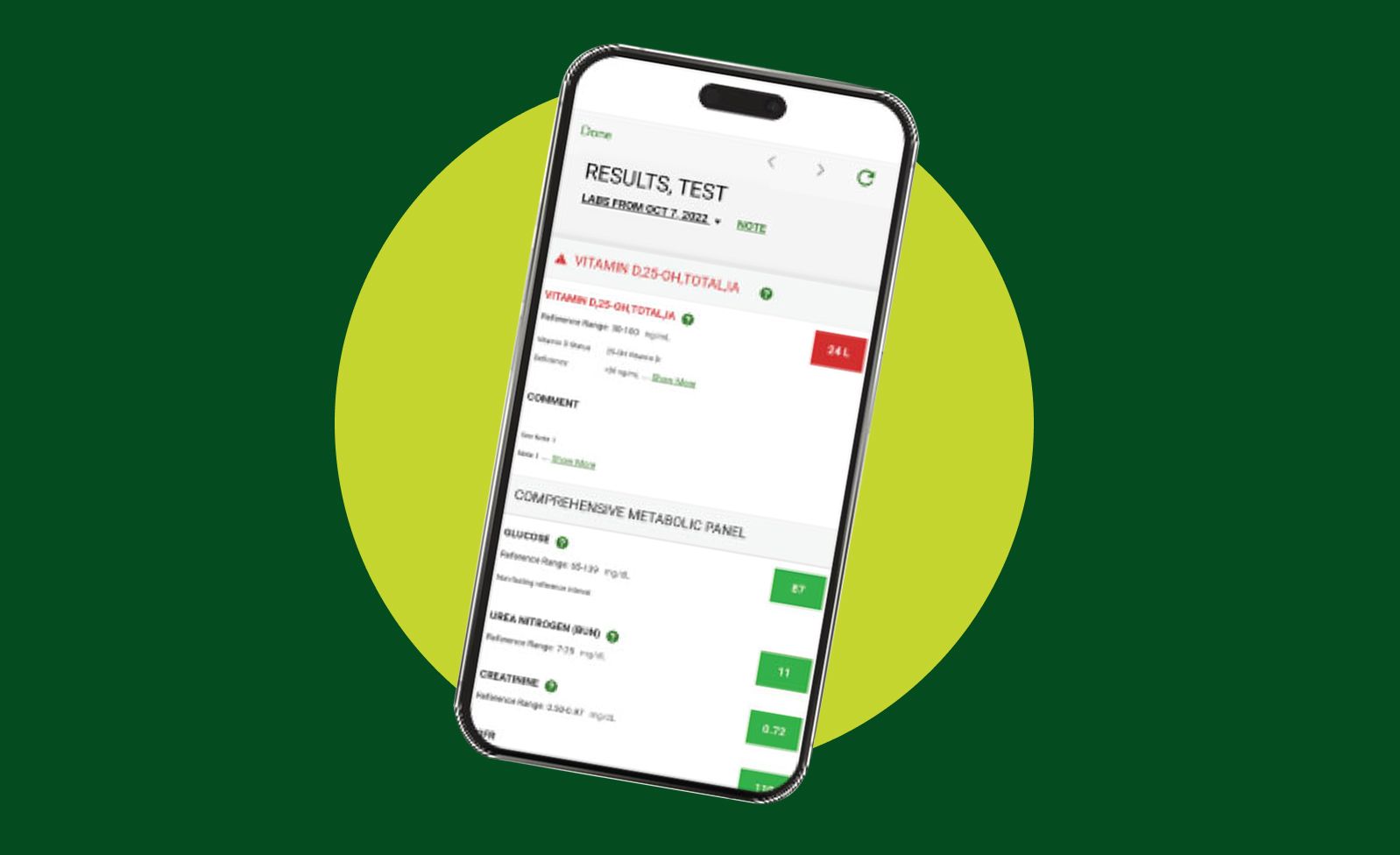
Quest results flow directly into your EHR, ensuring physicians always have the latest diagnostic information at their fingertips—without needing to switch platforms. Quanum also provides a powerful companion view that consolidates results from across systems, making it easy to cross-reference, search, and track trends over time.
We’ve simplified our billing processes to help streamline the workflow at your busy practice. Whether your organization chooses to receive invoices directly for patient testing or have patients billed directly, Quest will work with you on the billing structure that works for your unique needs.
Your account will receive invoices directly for patient testing. Invoices are sent to one address for all testing across your organization.
Invoices for patient testing are sent directly to patients or their insurance carriers. Our broad health plan coverage, flexible payment plans, and financial assistance options means you can feel confident that you are providing the care your patients need without inviting undue financial stress.
You can access our most up-to-date insurance lists to confirm that Quest is in-network with a patient’s health plan using our Health Plan Lookup tool
From the start, we create a custom operating structure—including a dedicated change-management team and a joint leadership group with your staff—to guide every phase.
Clear information flow, proactive problem-solving, and continuous operational analysis keep the transition on track, while established back-end and front-end processes ensure a seamless experience for patients and providers alike.
We offer comprehensive training, plus a full suite of interactive tools and checklists to help providers order, track, and review test orders efficiently through Quanum Lab Services Manager. Your Quest rep will work with your team to:
MyQuest® empowers patients to schedule appointments, get test results, and access real-time cost estimates securely.
Patient Service Centers (PSCs) make testing convenient
Whether a patient is getting lab work done, dropping off a specimen, or picking up a container at a Quest Patient Service Center, it’s easy to schedule an appointment at a nearby PSC.

 Your Privacy Choices
Quest® is the brand name used for services offered by Quest Diagnostics Incorporated and its affiliated companies. Quest Diagnostics Incorporated and certain affiliates are CLIA-certified laboratories that provide HIPAA-covered services. Other affiliates operated under the Quest® brand, such as Quest Consumer Inc., do not provide HIPAA-covered services.
Quest®, Quest Diagnostics®, any associated logos, and all associated Quest Diagnostics registered or unregistered trademarks are the property of Quest Diagnostics. All third-party marks—® and ™—are the property of their respective owners. © 2026 Quest Diagnostics Incorporated. All rights reserved. Image content features models and is intended for illustrative purposes only.


